Reminders that keep whistling until you're done.
Tap Done and it stops. Snooze it, or push it to tomorrow, any time.

$9.99 once. Everything included. No subscription, no in-app purchases.
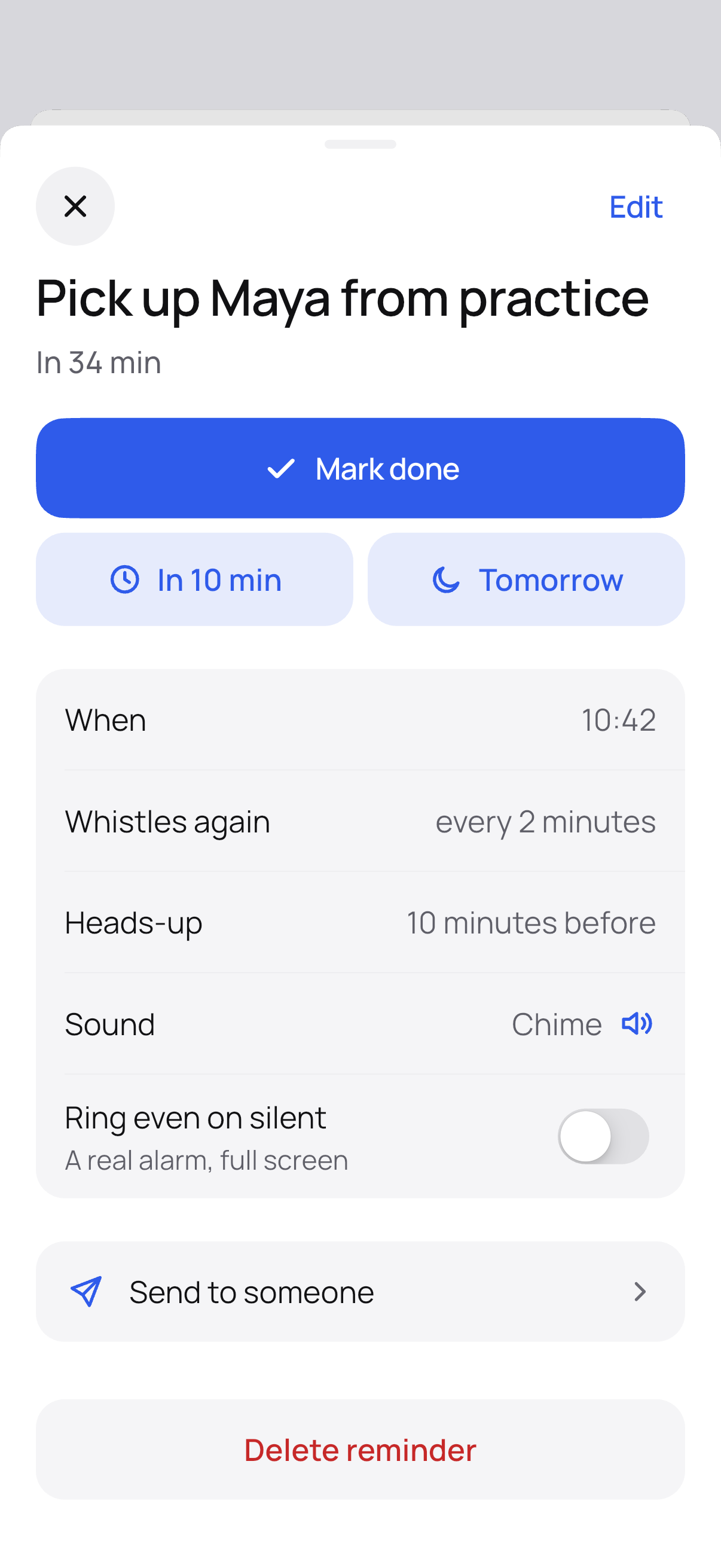
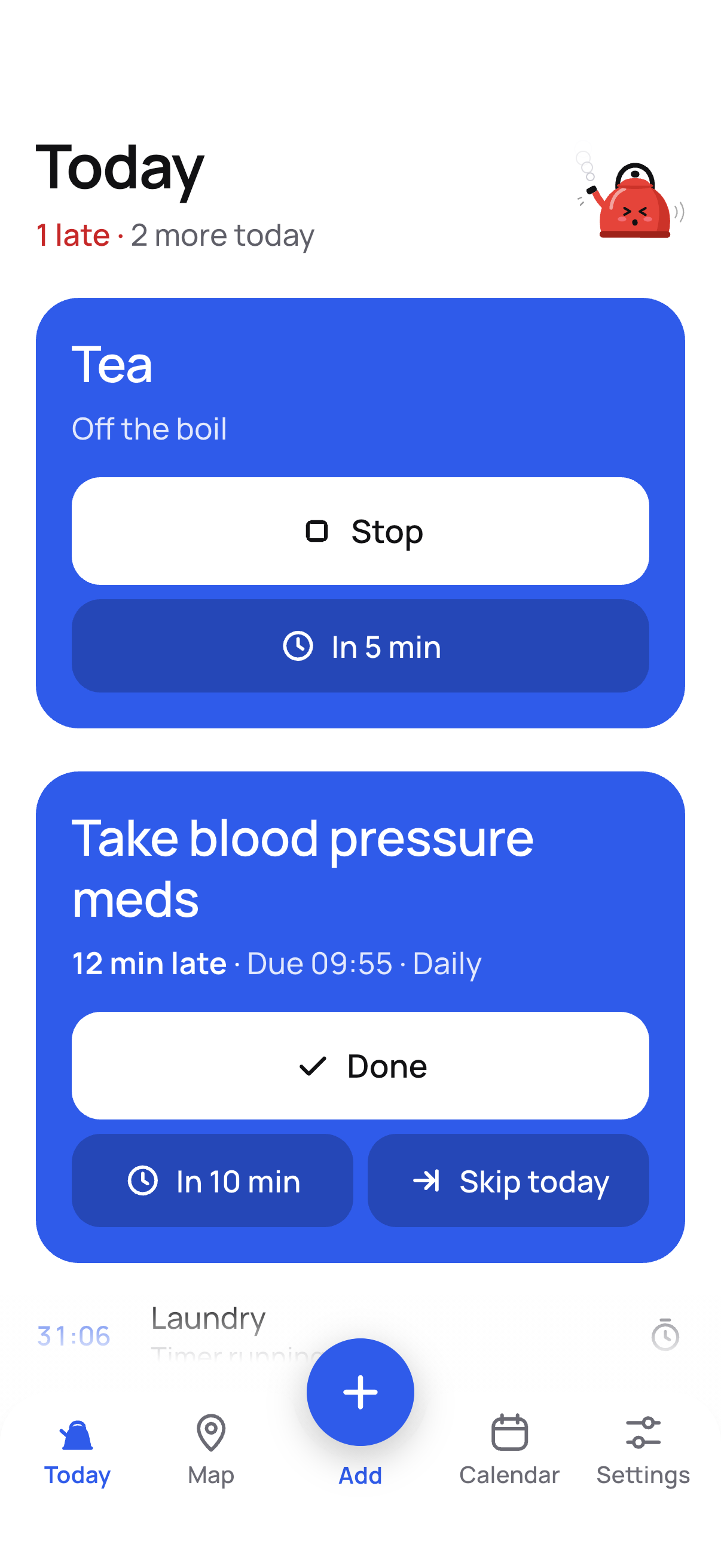
It keeps whistling until you tap Done.
Done
It stops. Repeating reminders line up the next one.
Snooze
It comes back in 5, 10 or more minutes.
Tomorrow
It comes back at the same time tomorrow.
The same buttons are on the notification, so you can stop it from the Lock Screen.
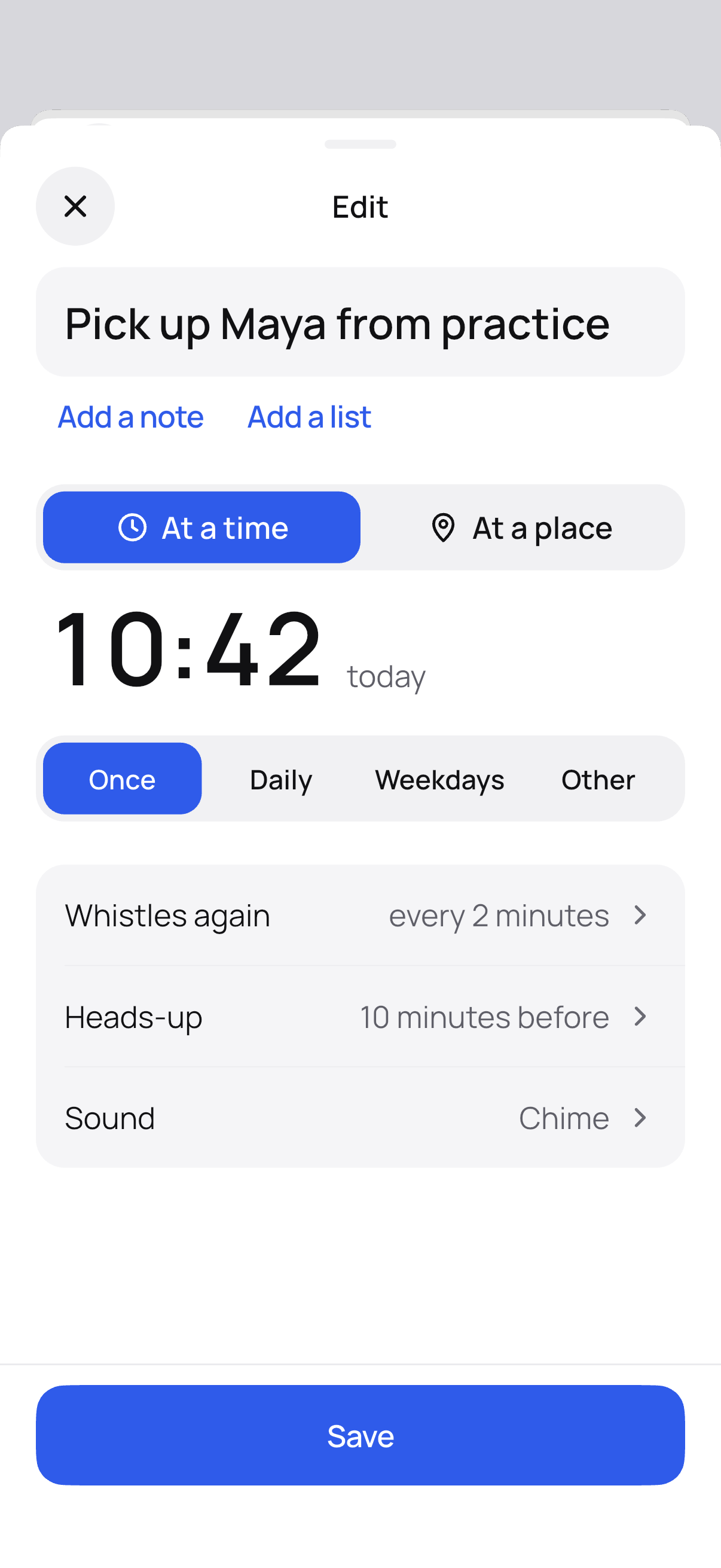
A reminder at a time.
Type it the way you'd say it, like “pills 8am daily”, or pick a day and a time. English and Latvian.
- Once, daily, on weekdays, or every few hours, days, weeks, months or years
- A heads-up before it's due
- Whistles every few minutes, or a few times, then stops
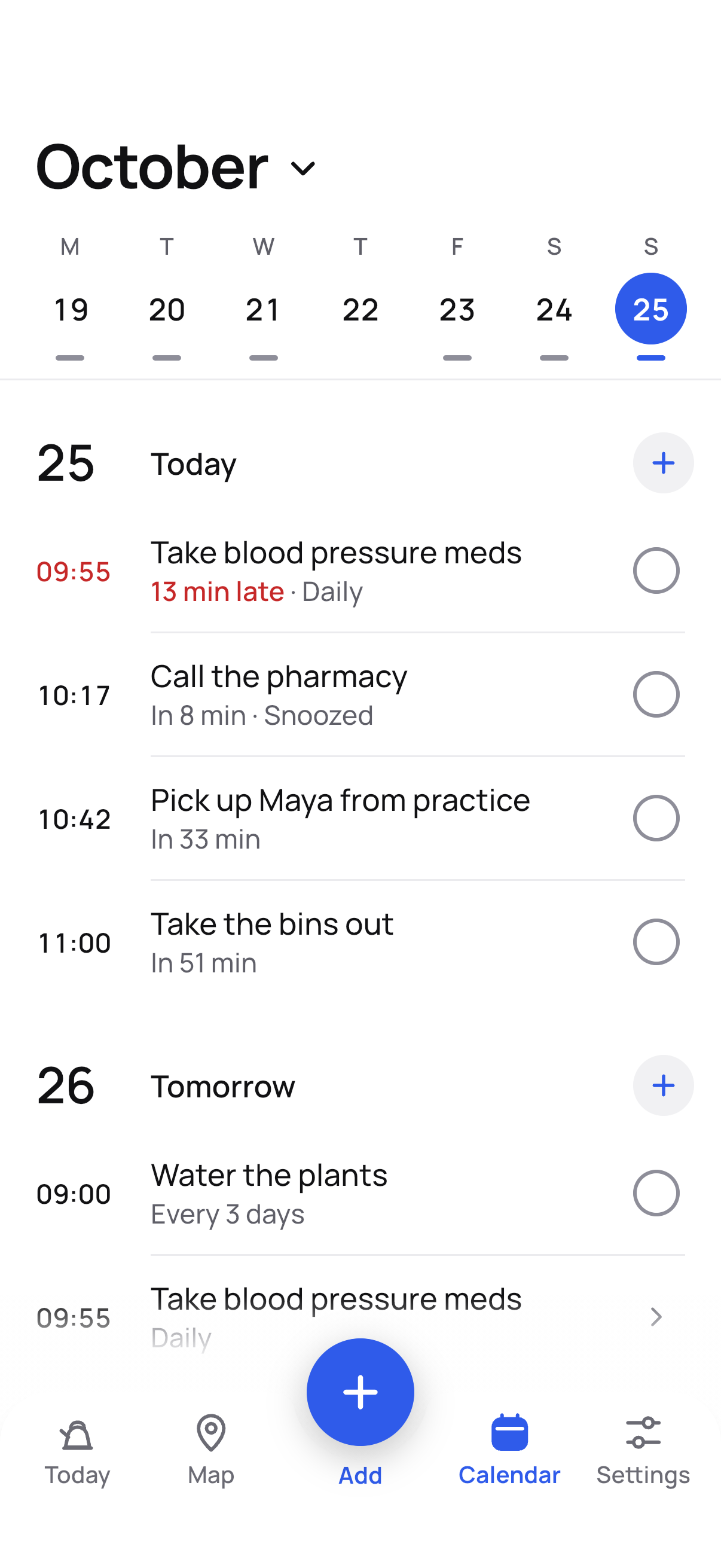
- A calendar of what's coming and what you've done
A reminder at a place.
“Buy milk” when you get to the shop. “Lock up” when you leave home. Pick a shop, a street or a town.
Where you are stays on your phone.
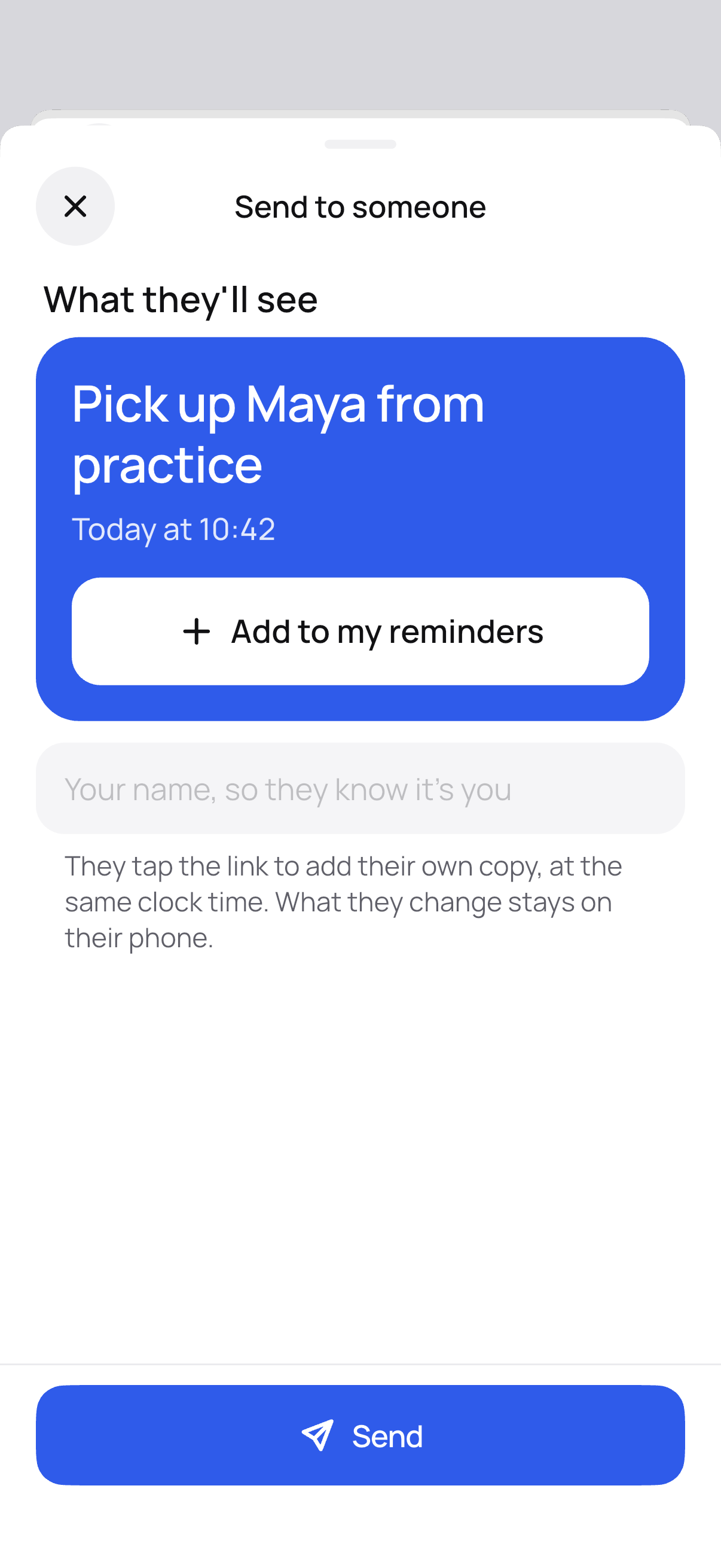
Send one to someone.
Share a reminder as a link, in any messaging app. They tap it to add their own copy, at the same clock time.
No account and no server: the reminder travels inside the link.
Also in Kettle.
- Timers: several at once, pinned on Today while they run
- Widgets for the Home Screen and Lock Screen
- Siri and Shortcuts on iPhone
- Import from Apple Reminders and from your calendar
- 12 sounds, or your own: import a file or record your voice
- Daily backups, restored in one tap
- Dark mode, large text, your choice of button and kettle colour
- 38 languages; 12 or 24-hour clock, date order and week start are yours to set
Buy it once. Everything is in.
Kettle
$9.99once
- As many reminders as you like
- Reminders at a time and at a place
- Ring: a full-screen alarm that rings on Silent and in Focus
- Timers, 12 sounds and your own
- Sending and receiving reminders
- Every update, with nothing more to buy
No subscription and no in-app purchases. $9.99 is the US price; your store shows the price in your currency. Install it again on a new phone with the same App Store or Google Play account.
Everything stays on your phone.
No account
Open it and add a reminder.
No ads
You buy Kettle once. That pays for it.
No tracking
No analytics, no crash reporting, no advertising ID.
On your phone
Your reminders and places are never sent to us.
Read the privacy policy for the details, including what the map and place search use.
Questions
Does it work without internet?
Yes. Reminders, whistling and timers never need a connection. The internet is used only for the map and for searching places.
What does Done do?
It stops that reminder for good, also from the notification buttons. A repeating reminder lines up its next time.
Will it ring on Silent?
With Ring, yes: a full-screen alarm. On iPhone it rings through Silent and Focus on iOS 26 or later. Without Ring, a reminder whistles as a notification and follows your phone's volume and Focus settings.
Why does Android ask for location all the time?
To whistle when you arrive at or leave a place while Kettle is closed, Android needs location all the time. The check happens on your phone and where you are never leaves it.
Do the people I send reminders to need Kettle?
They need it for the reminder to whistle. Without it, the link opens a page that shows the reminder, so they still see what and when.
Which phones does it run on?
iPhones with iOS 26 or later, and Android phones with Android 8.0 or later.
I have a new phone. Do I pay again?
No. Install Kettle again with the same App Store or Google Play account. Your reminders come along in the phone's backup, or restore a Kettle backup from Settings.
Something isn't working. Where do I get help?
Write on the support page. A missed or late whistle is the worst bug there is, so please tell us.
Get Kettle.
On the App Store and Google Play.